

Ever think a cyber mishap might put a damper on your adventure? Just like you pack that extra charger for backup, keeping your tech secure is a must these days. As we rely more on our digital tools, locking your devices and updating your apps is like double-checking your suitcase before takeoff, ensuring your virtual world stays safe too.
Imagine strolling through a busy airport, knowing every detail is taken care of. In the same way, simple security tips can give you peace of mind while you explore new destinations. Here are a few easy ideas to help protect your personal info on the go.
Essential Cybersecurity Tips for Travelers

Before you head out on your adventure, update your devices and apps. Installing the latest security patches and turning on automatic updates keeps your tech as protected as your travel plans. It’s just like checking your suitcase before leaving home!
Lock your devices with robust methods such as a PIN, facial recognition, or fingerprint scan rather than relying on simple text-based passwords. I mean, who wouldn’t feel safer knowing their fingerprint adds that extra layer of security when you’re exploring a new city?
Also, enable remote tracking features (like Find My Device) so you can locate, lock, or even erase your data if your gadget goes missing. Imagine the peace of mind that comes with knowing you can handle a lost device, even in an unfamiliar place.
Take a moment to adjust your privacy settings on social media and apps by turning off location tracking where it isn’t necessary. This little change helps keep your travel itinerary private and your adventures secure.
And don’t forget to back up important data, such as your photos, documents, and contacts, to the cloud or an external drive. It’s like making a duplicate of your travel documents, always a smart move.
A final tip: carry a small amount of cash along with your digital payment methods. This simple step reduces the risk of digital payment fraud and protects you from issues like credit-card skimming.
- Update your devices and apps before you leave.
- Lock your devices with robust methods like a PIN, Face ID, or fingerprint scan.
- Enable remote tracking so you can locate your device if it goes missing.
- Tweak your privacy settings and back up important files.
- Keep a little cash handy to reduce digital fraud risks.
Secure Connections and VPN Recommendations for Travelers
Public Wi-Fi can be risky because it leaves your data wide open to hackers. Instead of connecting to these unknown networks, try using your phone’s 3G/4G personal hotspot. It’s a safer way to stay online and keep your information private, just like having your own little secure bubble while you travel.
A reliable VPN service adds another layer of protection by scrambling your online activity. Services like NordVPN or ExpressVPN work right from the start, keeping your data safe with strong encryption. They use secure protocols like OpenVPN and IKEv2 (which help hide your information), so no one can eavesdrop on what you’re doing. Before you travel, set your VPN to launch automatically and give it a quick test to ensure it’s guarding your connection properly.
Here’s what you can do:
- Use your mobile hotspot whenever you can.
- Pick a VPN that has strong encryption and starts automatically.
- Double-check that your connection is secure before logging into sensitive accounts.
Taking these steps means you can focus on your adventure instead of worrying about online threats. By combining a mobile hotspot with a trustworthy VPN, you keep your online presence private and your mind at ease during your travels.
Encrypted Device Management for Travelers
Imagine your phone or laptop as a precious treasure chest, you wouldn’t leave it unlocked, right? Turning on full-disk encryption is like bolting a high-security safe around your digital world. It means that even if your device goes missing or gets stolen, your important info stays locked away, safe from prying eyes.
If you’re using a device for work, have a quick chat with your IT team or peek into your settings to set up strict encryption rules. This savvy move isn’t just for tech wizards; it also protects your work emails and messages when you’re on the go. Using encrypted apps means your private chats remain secret, almost like passing notes that only your trusted friend can read.
And here’s a simple tip, turn off Bluetooth and NFC when you’re not using them. Keeping these features active can be like leaving your door ajar, ready for unwanted visitors. A quick switch-off can save you from any surprise access attempts.
- Enable full-disk encryption on all devices.
- Use encrypted communication apps for sensitive contacts.
- Disable Bluetooth and NFC when idle.
Identity Protection and Account Security on the Road
Traveling means exploring new places and making amazing memories, but it also means taking extra steps to keep your identity safe, just like you wouldn’t leave your passport unattended. One smart tip is to set up two-factor authentication (2FA) on your email, bank, and social accounts. This means that even if someone gets hold of your password, they'd still need a second code from you, giving you that extra peace of mind as you wander.
Another great idea is switching to quicker, more secure ways to log in. Instead of relying on text-based passwords, try using your fingerprint or a unique pattern. These methods not only speed things up but also build a solid barrier against those unwanted intruders. And, always be on guard against phishing scams, those dodgy texts or emails that pretend to be from trustworthy sources. A quick check of the sender’s address can go a long way in keeping your information safe.
A handy reminder: when you’re not using Bluetooth or NFC (near-field communication, which lets devices talk to each other), it’s best to switch them off. Leaving them on can open up small windows for hackers to sneak in.
- Activate 2FA on your email, banking, and social accounts.
- Use biometric or pattern-based logins for stronger device access.
- Verify sender addresses to deter phishing scams.
- Keep Bluetooth and NFC off when they are not actively needed.
Cybersecurity for travelers: Stay Safe Abroad
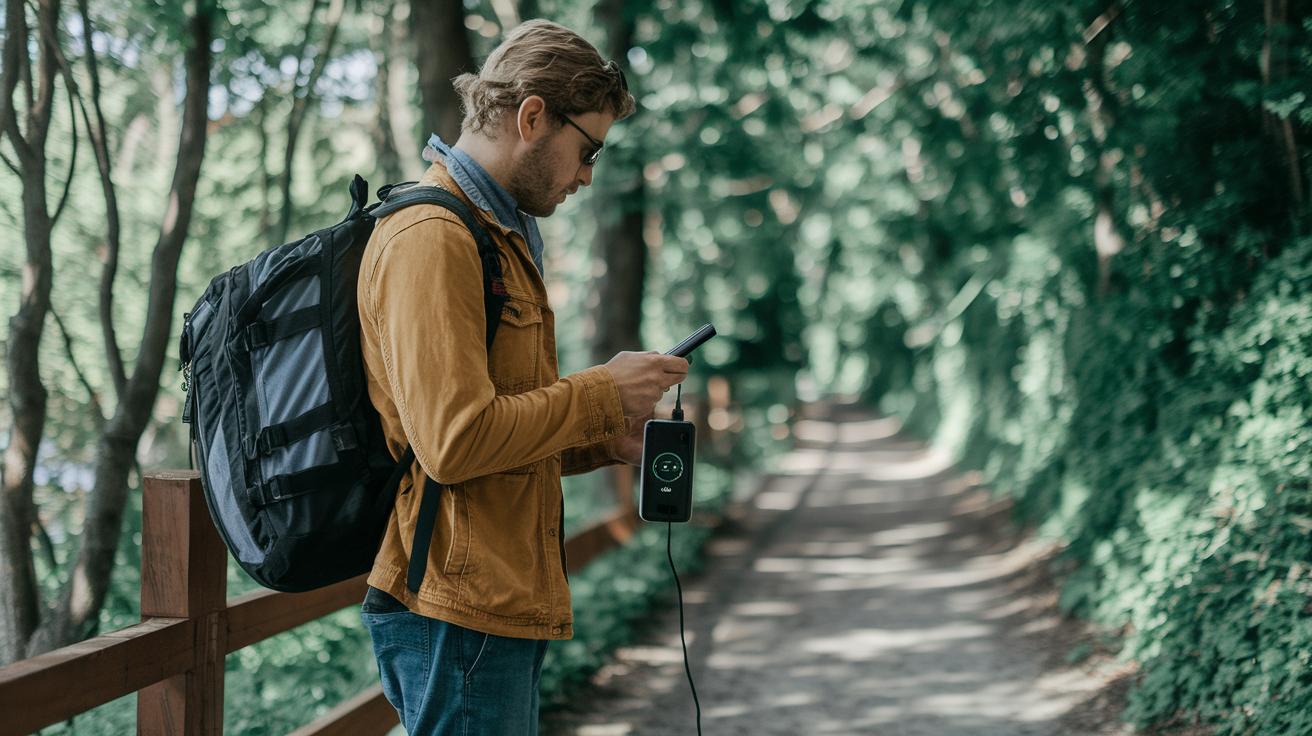
When you're out exploring new places, it’s best to dodge public charging stations. These spots can be risky since someone might tweak a USB port to steal your data, a trick known as juice-jacking (when someone hacks into your device while it's charging). Instead, pack your own power bank, like carrying a secure backup wherever you go.
Be extra careful when you log into sensitive accounts on hotel or airport computers. Public machines often aren’t as safe as your personal devices, which can leave your data exposed. Always remember to log out completely after you're done, just like you’d double-check your door before leaving home.
It’s also smart to review your app permissions. Limit what apps can access, like your location, contacts, or photos, so only trusted programs get your private details. A quick check in your settings can stop apps from overstepping and keep your info safe.
Before you set off, make sure your devices have updated anti-malware or endpoint security apps. Think of these tools as your digital travel buddy, always watching out for hidden dangers, so you can travel with peace of mind.
- Bring along your own power bank instead of using public outlets.
- Avoid signing into sensitive accounts on shared computers.
- Adjust app permissions to only allow what’s necessary.
- Update your anti-malware apps before you travel.
Post-Trip Cybersecurity Checklist for Travelers

After a memorable journey, taking a little time to check your digital safety is a smart move. First, go through your bank and account statements to catch any unusual transactions or logins. It may seem small, but a quick look can reveal hidden issues that slipped by while you were busy exploring.
Next, consider removing any apps you only used during your travels. This simple step helps reduce the risk of old security measures causing problems later on. It’s all about keeping things fresh and secure.
Also, update any travel-specific passwords or PINs. Changing these details means that even if someone had temporary access during your trip, they can’t use that information afterward. Running a thorough malware scan on your devices is another great idea, it’s like giving your gadgets a health check to spot any threats that might have crept in.
Finally, double-check that your encryption settings and remote-wipe features are still active. Think of these tools as your digital safety net, ready to protect your information if a device is ever lost or compromised.
- Review bank and account statements for unexpected activities.
- Uninstall travel-specific apps to minimize vulnerability risks.
- Change travel-set passwords or PINs and run malware scans.
- Confirm encryption settings and remote-wipe options are active.
Final Words
In the action, this article broke down key cybersecurity tips that every traveler can use to safeguard devices and personal data. We covered everything from updating devices and installing solid locks to choosing a trusted VPN and enforcing encryption settings.
A handy post-trip checklist wraps up the guide, reminding you to review accounts and device security after heading home. Using cybersecurity for travelers strategies means you can travel smart, protect your info, and enjoy stress-free adventures.
FAQ
What do cybersecurity for travelers PDF and PPT resources cover?
The cybersecurity for travelers PDF and PPT provide essential guides for protecting your devices and data while on the move. They typically explain how to update software, secure connections, and use encryption tools effectively.
What is considered the best cybersecurity for travelers?
The best cybersecurity for travelers involves practices like using strong device locks, connecting through secure networks or reputable VPNs, updating software regularly, and backing up sensitive information before you travel.
What are cybersecurity tips for international travelers?
Cybersecurity tips for international travelers emphasize updating devices, enabling strong authentication, using trusted networks or VPNs, and adjusting app permissions to protect your data while abroad.
How can you protect a mobile device while traveling?
Protecting a mobile device while traveling means using robust locks like PINs or biometrics, enabling remote tracking features, keeping software updated, and avoiding unsecured public networks to safeguard your information.
Why is it important to check in with security before international travel?
Checking in with security before international travel helps ensure your devices and online accounts follow modern safety guidelines, reducing the risk of data breaches and unauthorized access when you’re overseas.
Is logging in to a private hotel network while traveling a best practice?
Logging in to a private hotel network while traveling is generally not a best practice because even seemingly secure networks can be vulnerable. It’s wiser to use personal hotspots or a trusted VPN for safer connectivity.
Can you earn a high salary in cybersecurity?
Earning a high salary in cybersecurity is possible, with many professionals making over $200,000 annually. However, reaching $500,000 is uncommon and typically reserved for top-tier experts and leadership roles.
What are the 5 C’s of cybersecurity?
The 5 C’s of cybersecurity usually include Confidentiality, Integrity, Availability, Accountability, and Assurance. These concepts guide practices designed to protect data and maintain secure systems.