

Ever wonder if your online accounts are safe while you’re out exploring? With cyber risks on the rise and smart devices stashed in every travel bag, protecting your digital world is just as important as packing your favorite outfit.
Imagine it like locking up your valuables before leaving home. Here are some simple tips to keep your data safe, so you can focus on the adventure ahead and not worry about digital mishaps.
Get ready to secure your gadgets and enjoy your trip without any distractions, we’re all about stress-free travel moments!
Proactive Digital Travel Safety Steps Before You Depart

Before you head out, make sure your digital gear is as secure as your travel essentials. Think of it like packing your favorite must-haves, your smartphone, laptop, and tablet all need a bit of extra care. Nowadays, with cyber threats looming large (imagine phishing attacks trying to trick you, set to triple by 2025), most mobile users are missing some basic steps to protect themselves, so locking down your devices is a must.
One of the first things to do is activate encryption on every gadget. This simple step transforms your device into a safe haven against unwelcome intruders. For instance, you might store your travel photos and itineraries in an encrypted cloud storage, just like stashing a spare set of keys in a secure pocket.
Online travel security isn’t just a buzzword, it’s a checklist to keep your data safe. Here are some practical tips to follow:
- Encrypt your devices to block unauthorized access.
- Enable two-factor authentication for your essential accounts (like emails and banking apps).
- Back up sensitive files (passports, travel confirmations, photos, etc.) to a secure, encrypted cloud service.
- Make sure your travel apps and digital maps are updated and guarded with strong passwords.
- Double-check your remote access settings so you can safely retrieve backup files from anywhere abroad.
Online security goes beyond just changing settings; it’s about planning your journey with care, ensuring every digital detail is in place before you leave. Just like you’d verify that your travel documents are secure, taking these steps will help you avoid any digital mishaps along the way.
Fortifying Mobile Devices for Safe Digital Travel
Turn on encryption for your mobile devices so that your personal data stays under lock and key. I remember the first time I did it, my phone instantly felt like a secure vault for all my travel moments.
Also, add two-factor authentication for every account that holds sensitive info, like email or banking. This extra step (a second way to verify your identity) works like adding another secure lock to your device.
Keep your device up to date by installing every new operating system update. Manufacturers frequently patch up vulnerabilities, so outdated software can leave you exposed.
Use trusted travel apps that come with built-in security features and consider setting up biometric locks (using fingerprint sensors or facial recognition) for extra protection. One traveler joked, "Using fingerprint recognition felt like having a personal guard for my itinerary."
Make sure you protect every app and account by choosing strong passcodes, downloading cautiously, and updating frequently. These habits help build a strong, layered defense so you can focus on your adventure without worrying about your data.
Together, these practices add up to a robust security plan, think of it as a reliable travel buddy that keeps your digital life safe while you explore new destinations.
| Security Measure | Benefit |
|---|---|
| Encryption | Keeps unauthorized users out |
| Two-Factor Authentication | Ensures secure logins |
| Biometric Locks | Makes sure only you can access your device |
Secure Network Connections and Public Wi-Fi Best Practices
When you're traveling, whether you’re waiting at an airport or grabbing a coffee at your favorite café, public Wi-Fi can put your private information at risk. Cyber crooks might use what’s known as a man-in-the-middle attack (where someone sneaks in between you and the website you’re visiting) to steal your login details and bank info. One traveler even recalled connecting to a free network only to later find out their banking data had been compromised. That’s why using a VPN, like NordVPN, ExpressVPN, or CyberGhost, is such a smart move; it scrambles your data so that even if someone intercepts it, they’ll only see gibberish.
Here are some simple tips to keep your connection safe:
- Make sure your hotel Wi-Fi asks for a password and uses encryption.
- Only join networks with names you know come from the place you’re at.
- Stay clear of open public computers or charging stations because they might be set up to steal your data.
- If possible, use your own mobile data for a more secure connection.
Just like you wouldn’t leave your suitcase unattended, don’t let your online identity wander around unprotected. Taking a few quick steps now can spare you a lot of hassle later, keeping both your personal info and your peace of mind safe on your journey.
Safe Booking Workflows and Financial Security Abroad
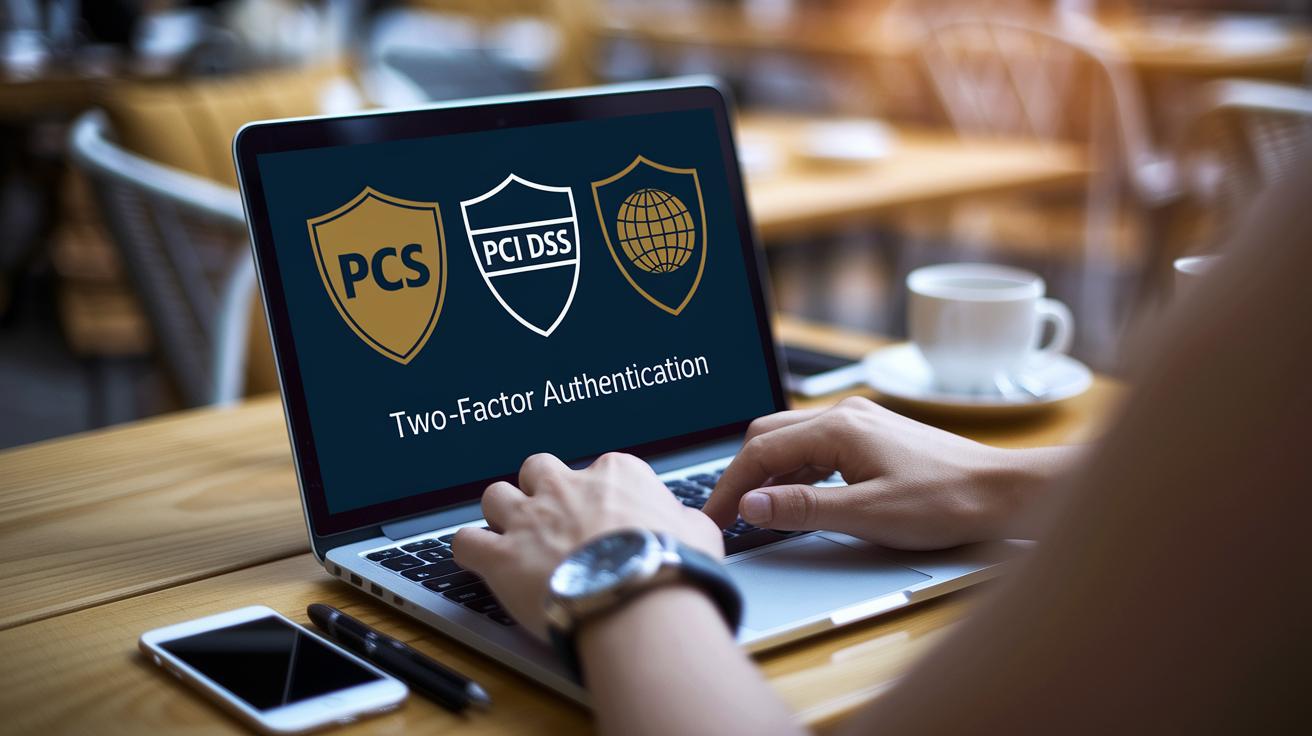
When you’re planning your trip, start by checking the security badges on booking sites and making sure they follow global standards like PCI DSS (rules to protect payment card details) and other data protection guidelines. It’s a good idea to use two-factor authentication on these platforms, so every time you log in, you get an extra step to verify your identity. This quick check stops unauthorized logins and alerts you to any suspicious activity.
When paying for things overseas, always stick with secure payment options that use strong encryption to keep your financial details safe. Before you enter any sensitive info, take a moment to make sure the website shows a padlock icon and an HTTPS address, these are signs the site is secure. Plus, setting up transaction alerts on your bank’s app can give you a fast heads-up if something unexpected shows up on your account.
Another tip is to consider using a trusted digital wallet. These wallets store your payment information in a secure, encrypted space, helping reduce the risk of cyber breaches and letting you focus on enjoying your adventure.
Here’s a short checklist to keep in mind:
- Choose payment methods that follow PCI DSS standards.
- Enable two-factor authentication on your booking platforms.
- Confirm that your accommodations meet GDPR and PCI DSS certifications.
- Regularly review your account for any unauthorized charges.
By following these smart booking steps and security tips, you can keep your finances safe and focus on the joys of your journey without any extra worries.
Protecting Digital Documents and Personal Data on the Road
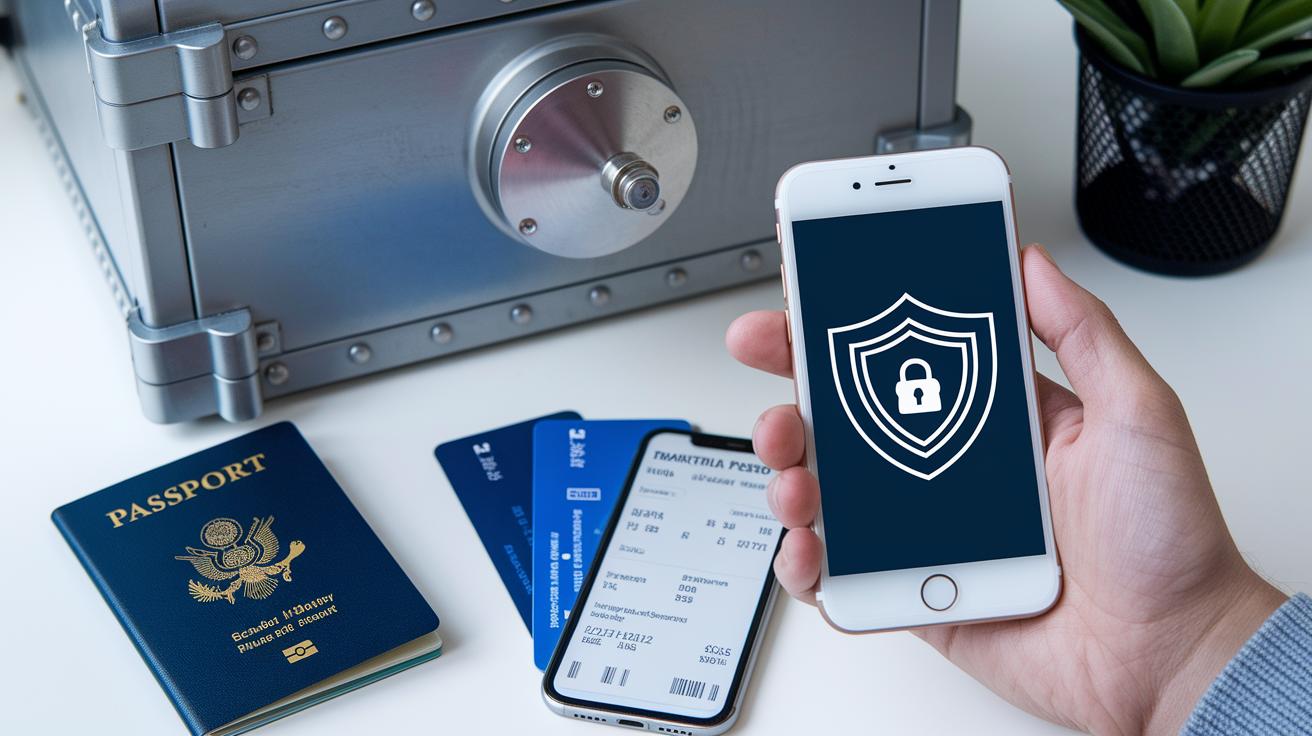
Before you jet off on your next adventure, make sure your essential travel documents, passports, visas, insurance papers, are digitized and protected with strong end-to-end encryption. It’s like locking a precious key in your personal safe; imagine stashing away your digital passport copy as if it were a rare treasure in a trusted vault.
Also, switch on the remote-wipe feature available on your devices. This smart tool lets you clear sensitive information quickly if your gadget goes missing, keeping your data safe no matter what.
When handling important travel details like boarding passes (for flights, which are tickets for plane rides) on shared devices, consider storing them in a virtual private wallet. Just be sure that your backup services offer secure remote access so you'll have your information ready when you need it.
Quick reminders:
- Digitize key documents using strong encryption.
- Keep encrypted backups in reliable cloud services.
- Set up remote-wipe features on your devices.
- Use virtual private wallets for sensitive credentials.
Top Apps, Tools, and Trends for Digital Travel Safety

When you’re off exploring new places, staying safe online should feel as easy as checking your itinerary. Many apps now come equipped with built-in VPNs (virtual private networks) that act like your personal digital bodyguard, scrambling your connection so that any intercepted data just turns into a jumbled mess. One traveler even shared, “Using an app with a built-in VPN felt like having a mini bodyguard on my phone!”
Think of your logins as treasured keys to your digital world. Password vault apps work just like a secure safe, storing your important credentials and even suggesting strong passcodes automatically. It’s like having a trusted friend who always reminds you to keep your secrets safe.
Modern travel apps are upping their game with cool biometric features, such as fingerprint or facial recognition, which add an extra layer of protection against unauthorized access. And when these apps follow GDPR-compliant guidelines (strict privacy rules), your personal data is handled with extra care. Secure messaging tools that offer end-to-end encryption ensure your travel details stay just between you and your contacts.
Real-time security alerts are another must-have feature. They give you a quick heads-up about anything from itinerary changes to software updates, so you’re always in the loop. The best apps mix these security features, from encrypted chats to safe payment options overseas, giving you peace of mind throughout your journey.
In short, consider choosing a travel-smart app that brings all these features together. It’s like having one trusty companion to help fend off online fraud and manage your travel plans, allowing you to focus on the adventure ahead.
Final Words
In the action, we explored how to ready your devices, secure network connections, and protect booking information. Each section shed light on practical steps, encrypting files, using VPN services, and applying two-factor authentication, to keep important data safe. These straightforward techniques help you manage digital risks while on the go. With the right tools and small daily habits, tackling these concerns becomes second nature. Keep these digital travel safety tips in mind and enjoy planning a trip that leaves you feeling secure and ready for what lies ahead.
FAQ
What are the digital travel safety and cybersecurity tips for employees and international travelers?
The digital travel safety and cybersecurity guidelines stress updating devices, enabling encryption and two-factor authentication, using trusted VPNs on public networks, and securely backing up data. These steps keep both work and personal information safe.
Why is it important to check in with security before any international travel?
Checking with security before traveling internationally helps identify potential vulnerabilities and offers the latest threat advisories, ensuring that devices and accounts are protected against emerging cyber risks while abroad.
What does CISA international travel advice recommend?
CISA international travel recommendations advise staying informed on travel alerts, backing up key data, and using secure connections. These practices reduce the risk of cyber threats during overseas trips.
What does NCSC travel advice suggest for staying safe online?
NCSC travel advice suggests using secure networks, updating security software, and activating device encryption. Following these suggestions boosts your defenses against cyber threats when traveling.
What cybersecurity summer tips should travelers follow?
Cybersecurity summer tips advise updating devices, steering clear of risky public networks, using reliable VPNs, and regularly monitoring account activity to keep personal information secure during busy travel periods.
True or false: Logging in to a private hotel network while on travel is a best practice.
It is false that logging in to a private hotel network is inherently safe. Even private networks may have vulnerabilities, so using a trusted VPN and extra security measures is essential for protecting your data.